

A door left open for two minutes on a windy afternoon is exactly what a smart door sensor catches, and the cheapest of them costs less than a pizza. It also catches the side gate nobody latched and the basement window you never check. Add a teenager who slips in at midnight, and it earns its place.
The seven picks run from an $8 IKEA sensor to a long-range kit with its own hub. Some need a hub, and some do not, so your existing app matters more than the spec sheet. One contact sensor on the front door is a smart home habit, not a full alarm system on day one.
Decide which app you already use, because that single choice knocks out half of this list before you look at a price.
Key Takeaways
- Seven picks cover renters, Apple homes, Z-Wave setups, and app-free sheds.
- Prices start near $8 for an IKEA sensor and climb past $45 for premium models.
- Four picks need a hub, and three report without one.
- Zigbee, Z-Wave, Thread, and LoRa sensors keep reporting when Wi-Fi drops.
- Count your doors and windows before you buy a single sensor.
What a Contact Sensor Does for Your Home Security
A contact sensor is two pieces of plastic and one small magnet, and that is the whole trick. The sensor half holds a magnetic reed switch. That is the tiny switch inside a contact sensor, and it flips the instant the magnet moves away from it or back toward it. The two halves never touch, so nothing inside wears out. A closed door holds the switch shut, and an open door lets it go.
Pair any door window sensor with lights, a camera, or a thermostat, and one open event starts a chain. The same sensor can trigger security alarms, or heating changes the moment an entry opens. Here is what else an open event can start:
- Hallway or porch lights that come on
- A phone alert through your app
- A siren from the hub
- A camera that starts recording
- A thermostat that drops a few degrees
The same contact sensors fit plenty of other places. One on a medicine cabinet, a drawer, a safe, or a refrigerator door tells you who opened what, and when. None of those spots needs wiring, since the battery does the work.
A 2025 study of reed-switch performance found that magnet position changes how far the switch must travel before it releases. That detail matters on a frame where the two pieces sit slightly crooked.
A sensor belongs on every ground-floor window and on any upper-level window that can be reached from a deck, a roof, or a tree.
A glass break sensor listens for the sound and vibration of a shattered pane, and one unit covers a whole room. Skip a contact sensor on a picture window that never opens, because a glass break sensor is the only one of the two that notices a broken pane.
What to Look For in a Smart Door Sensor
Three questions settle almost every door sensor purchase: your protocol, your range, and your alert style. A Zigbee or Z-Wave sensor needs a matching hub, and a Matter sensor needs a Thread border router. That router is often a HomePod, a Nest Hub, or an Echo speaker you already own. Get the protocol right and the brand matters far less.
Range, Protocol, and Hub
A Bluetooth link reaches only about 150 feet, so a Bluetooth sensor cannot report from a detached garage or a far gate. Zigbee and Z-Wave sensors report through their own mesh network instead of your Wi-Fi. Every mains-powered device in that mesh extends the reach, which is why a plug-in bulb in the hallway helps a sensor at the back door.
Size and gap tolerance decide whether a sensor fits the opening you have. A wide gap tolerance suits an old door that will not sit flush, and a slim case hides better along a window frame. Check the case dimensions on the product page before you order, because 11 mm and 22 mm look very different on a narrow sash.
Batteries, Sirens, and App Alerts
Most contact sensor batteries run between one and three years, and Wi-Fi door sensors drain theirs in months instead. Wi-Fi is built for streaming video, not for a coin cell that wakes up a few times a day. Ask where the siren lives, too: some hubs carry it, and many sensors carry none at all.
A sensor with no siren still reaches you through the app, and that is enough for most renters. If you want a noise in the house, budget for a hub with a built-in siren or a standalone alarm. Price per sensor is the last number to weigh against the hub behind it.
A $8 sensor and a $50 hub can cost more than a $40 sensor that joins a hub you own. Count your doors and windows first, because a kit of four sensors usually costs less per sensor than buying them one at a time.
Best Smart Door Sensors: 7 Top Picks for 2026
Seven sensors cover every household, and the best overall pick for 2026 is the YoLink Smart Home Starter Kit, which bundles four sensors and a hub. Each pick below fits a different house, a different app, and a different budget. Any door window sensor here reports open and closed state, and each one has a limit worth knowing before you order.
YoLink Smart Home Starter Kit: Best Overall
YoLink’s kit is the best overall pick for 2026 because it solves the hub problem in one box. The hub plugs into your internet router for mobile-app control, and its sensors send signals as far as a quarter-mile (1,320 feet). That reach covers a shed at the back of a large lot, and the LoRa radio trades speed for range on a small battery. Two limits matter here: the standard sensors are not rated for outdoor use, and an add-on siren costs around $30. If you want the alarm sound in the box, that siren is a separate purchase.
Aqara Door and Window Sensor: Best Compact Sensor
The Aqara door window sensor is the most compact pick for 2026, and its original case measures 40.8 x 22 x 11 mm. It works with Amazon, Apple, Google, IFTTT, and Zigbee, but it needs a hub and does not always work with other Zigbee hubs. Batteries last up to two years. In a four-month test of 14 contact sensors from 13 brands, the Aqara unit beat the next best, a Ring model, by more than double. An Aqara hub costs around $50 on its own and carries a built-in siren with LED lights for a strobe alarm or a nightlight.
IKEA MYGGBETT: Cheapest Matter Sensor
The IKEA door sensor costs $8 per sensor, and it is the cheapest way into a Matter setup. IKEA identifies the MYGGBETT as a Thread Sleepy End Device, which means it sleeps between events to stretch its battery. It reports whether its two parts are in contact and passes battery status to your platform. Because it speaks Matter, one sensor can join an Apple, Google, or Amazon setup without a new app. One catch: the required AAA battery is not included.
GE Personal Security: Best Alarm Without an App
GE Personal Security is the budget pick for 2026 and the only one here that needs no hub, no app, and no network. A 120 dB siren sounds inside the unit, and a door-chime mode lets you hear the back door open from the kitchen. There is no smart home compatibility and no mobile app, so nothing reaches your phone. For a shed or a storage room, an alarm contact sensor at about $5 each is plenty.
Eve Door and Window: Best for Apple Home
Eve Door and Window is the best pick for Apple users in 2026, and it pairs with HomeKit over Thread. There is no siren in the unit, so an alert arrives as a notification rather than a noise. A hub is recommended for the full feature set, and the sensor reports open and closed state to the Home app. Buy it if everyone in the house already carries an iPhone.
Ecolink DWZWAVE2.5-ECO: Best for Z-Wave Homes
Ecolink’s DWZWAVE2.5-ECO is the most compatible pick for 2026 and the one to buy if you already run Z-Wave. It requires a hub and ships with white and brown cases for matching trim. The hidden trick is on the back: wiring terminals let it join an existing wired security setup. Its battery lasts up to three years, which covers most homes without a battery swap. It is also the pick for anyone moving off an old wired panel.
Aeotec Door Window Sensor 8: Best for Extra Sensing
The Aeotec door window sensor 8 is the pick for extra sensing, and it adds a 3-axis sensor that reports open, close, and tilt events. It runs on Z-Wave Plus Long Range (800 series), uses a CR14250 battery for up to four years, and can also take USB-C 5V power. Temperature and humidity readings come with it, and the sensor tracks dew point. Mounting goes either with adhesive tape or with screws. Aeotec announced it on December 22, 2025 for pre-order through Aeotec’s online store and authorized retailers.
Aqara’s 878,364 cycles at over 99.5% accuracy is the strongest reliability evidence on this list, so make it your default unless a hub or platform rule takes it off the table.
Which Protocol Fits Your Smart Home: Matter, Thread, Zigbee, Z-Wave, or Wi-Fi?
Stay with the protocol your home already runs, because it decides battery life more than the brand does. Zigbee and Z-Wave sensors need their own hub, and a Matter-over-Thread sensor needs a Thread border router instead. That one difference sets the cost of every sensor you add later. The best smart sensors for Home Assistant are Zigbee or Z-Wave models that report locally through a USB stick.
| Protocol | What you need | Typical battery life | Where it wins |
|---|---|---|---|
| Matter over Thread | A Thread border router | About a year | Local control in mixed iOS and Android homes |
| Zigbee | A Zigbee hub or a Zigbee-enabled system | Up to two years | Small sensors, and lots of them |
| Z-Wave | A Z-Wave hub | Up to three to four years | Expanding a Z-Wave setup you already own |
| Wi-Fi | Nothing extra | Months, not years | One sensor with no hub at all |
A strong mesh beats a long antenna every time. Zigbee sensors join the mesh you already own, so each plug-in light or socket extends their reach. Z-Wave Long Range goes much further: certified sensors reach 1.6 kilometers (1 mile) on a Long Range network and up to 200 meters (656 feet) in open field.
Wi-Fi looks like the easy answer and is the worst one for a battery. In a four-month battery test of 14 contact sensors, the Wi-Fi models died first, because Wi-Fi is not built for a device that sleeps. Zigbee and Z-Wave radios wake up, send a short message, and go back to sleep. A smart home usually holds two or three protocols already, so adding a fourth rarely helps.
Size and pairing vary inside one protocol, too. The Aqara Door and Window Sensor P2 measures 77 x 22 x 22 mm and pairs by scanning its Matter code. An Eve Door and Window on Thread runs up to a year on a 3.6V ER 14250 battery. Buy the protocol your home already speaks, and a new sensor costs you a battery instead of a hub.
Do You Need a Hub? Door Sensor Setups for Alexa, Apple, and Home Assistant
Pick the hub before the sensor, because the hub decides which apps and automations your sensor can reach. Four of these seven picks report through a hub, and the other three work without one. The hub is also where your siren, your schedules, and your remote access live. Match the hub to the platform you already use, and setup takes minutes instead of an afternoon.
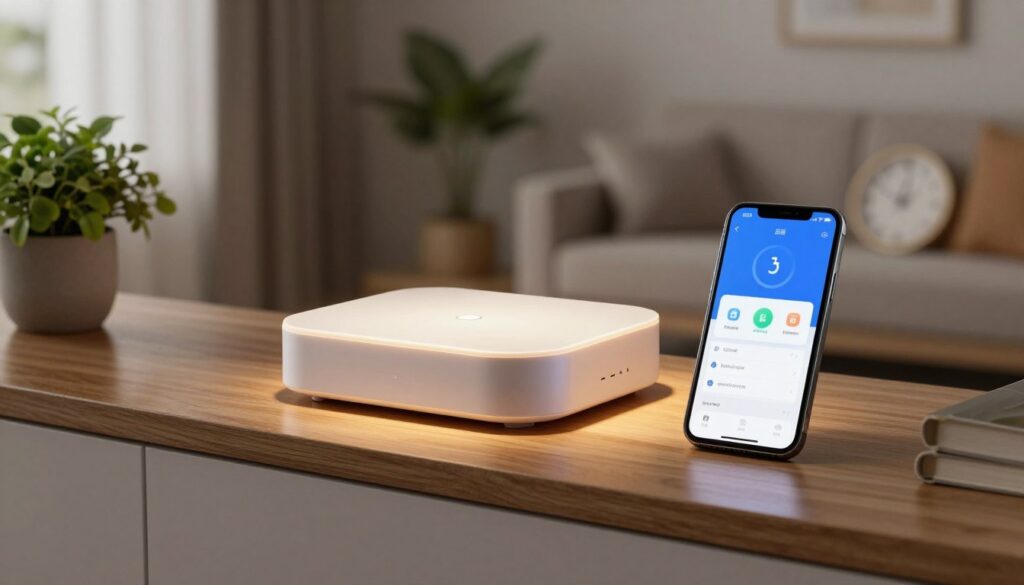
Door Sensors for Alexa and Google Assistant
The best door sensors for Alexa are hub-based models, and YoLink is the easiest path into that setup. Its hub works with Amazon Alexa, Google Assistant, and IFTTT. Every YoLink sensor you add appears in the Amazon Echo app, ready to trigger an Echo routine. Say goodnight to the Echo, and the routine can check whether the back door is still open. The hub itself needs power and a spot near your internet router.
Door Sensors for Home Assistant
The best door sensor for Home Assistant is a Zigbee or Z-Wave model that keeps its automations local. Aqara’s Zigbee sensor works with Home Assistant, SmartThings, Hubitat, and other Zigbee-enabled systems, but it requires a hub and does not always work with other Zigbee hubs. A Ring Alarm Contact Sensor joins Home Assistant through Z-Wave JS and a Zooz S2 Z-Wave USB stick, and the Z-Wave JS documentation covers the adapter, the server, and the security keys you need first. The Ring Alarm system route is the tidiest one if you want one brand end to end.
One warning about the YoLink path: its integrations with Home Assistant run through the cloud, so those automations stop during an internet outage. The sensors keep reporting to the hub, but the routine that turns on a light stays frozen until the connection returns. An Aqara hub costs around $50 and carries its own siren, so the Aqara door sensor often ends up cheaper than a hub-free kit plus a separate alarm.
Door Sensors That Skip the Hub
The best door sensor without a hub is a Matter contact sensor that leans on a Thread border router you already own, like an Apple HomePod or an Echo. That sensor also shows up in the Apple Home app once a home hub is online. If you want zero setup, the GE Personal Security alarm has no app and simply sounds a 120 dB siren. The Philips Hue Secure Contact Sensor sits in the middle: it needs the Hue Smart Bridge, and some of its extra security features sit behind an optional monthly subscription. Check that subscription price before you commit to a security ecosystem.
On a hub-free Matter sensor, keep one Thread border router powered at home, or the sensor has nothing to report to while you are away.
How to Install a Door and Window Sensor Without False Alarms
False door sensor alarms usually come from two mistakes: pieces that are not level, or pieces that sit too far apart. Keep the sensor and its magnet level, and keep them close enough to read each other. Every brand uses the same two-piece design, so the fix is the same on an $8 alarm and a $45 sensor.
Placing the Two Pieces on Doors and Windows
Work through four steps, and the job takes about ten minutes per opening:
- Clean and dry the surface where each piece will sit.
- Fit the sensor to the frame and the magnet to the door or window.
- Keep the two pieces level and inside each other’s range.
- Test the sensor before you trust it.
Old doors windows with raised molding can push the two pieces out of range, because the trim lifts the sensor off the frame. Check the gap with the door closed rather than open, and shift the magnet if the molding blocks it.
Aligning the Magnet and Testing the Sensor
A wide gap tolerance forgives an uneven frame. The Aqara sensor allows a gap of up to 22 mm between its two pieces, which is generous next to a window with a warped sash. Eve includes magnet spacers that help align the magnet on a thick window frame. Test by opening the window it is fitted to and watching for the alert. Nothing in the app? Check the battery first, then the alignment of the two pieces.
Making Adhesive Mounts Last
The IKEA MYGGBETT attaches with 3M adhesive stickers and works best on a flat surface, so skip the curved trim. Press for thirty seconds, then wait an hour before you close the door on it. One reliable way to check the gap is to close the door and look along the two pieces. The sensor also reports battery level, so a weak cell shows up before the alerts stop.
Test every sensor in person the day you fit it and again a month later, before you trust it with an empty house.
How Much Do Smart Door Sensors Cost?
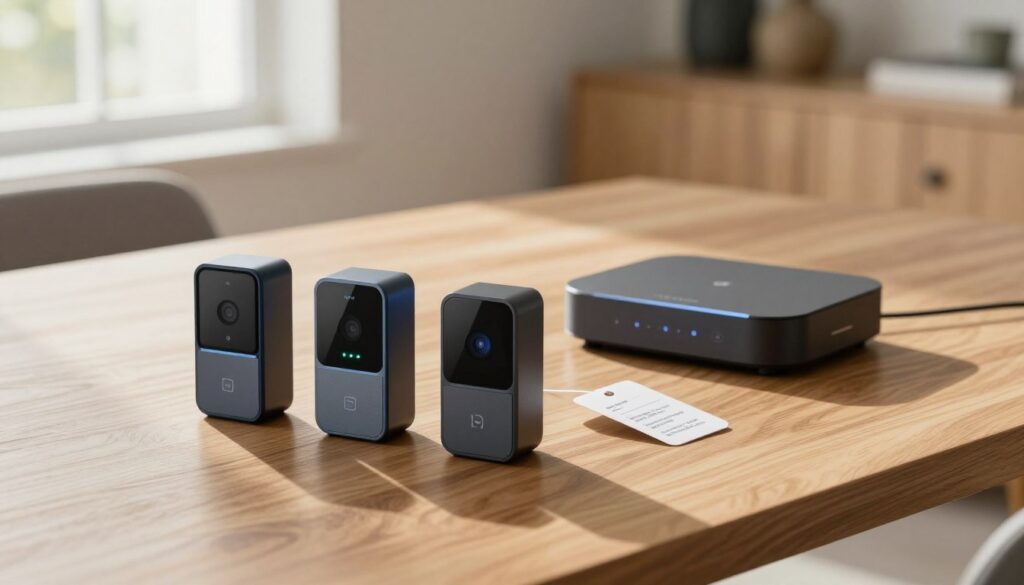
Door sensors start around $8 and run past $45, but the hub, not the sensor, usually decides the total. A kit with four sensors and a hub often costs less than three single sensors plus the hub they need. Add a battery and an optional siren, and the entry cost climbs from there.
| Option | Price | What you get | Watch for |
|---|---|---|---|
| YoLink Smart Home Starter Kit | Lists around $80, often $50 to $65 | Four sensors and a hub | No siren in the box |
| YoLink add-on sensors | Under $20 each | A one-pack or a three-pack | Outdoor sensors cost extra |
| Aqara door sensor | About $18 each | One sensor | The Aqara hub adds around $50 |
| GE Personal Security | About $5 each in a multi-pack | Alarm units with batteries preinstalled | No app or smart home link |
| Eve Door and Window | About $40 to $45 each | One sensor | An Apple Home Hub is needed for remote access |
Door and window alarms tested for this kind of guide ranged from $12 to $200, which shows how wide the market runs. A kit usually beats single sensors on price, because the hub ships inside the box. YoLink add-on sensors stay under $20 each, and Aqara add-ons run about $18. The GE alarms cost about $5 each in a multi-pack and arrive with batteries already installed, which is the lowest price per opening on this list.
Buy the best door protection for your budget by counting hubs, not sensors. Motion and water products cost about the same as entry sensors, so a sensor budget is really a hub budget over time.
Budget for a battery on the cheapest sensor you can buy, since the IKEA MYGGBETT ships without its AAA cell.
Smart Home Sensors Explained: Where Door and Window Sensors Fit
A door sensor is one of eleven common smart home sensor types, and it is usually the first one people buy. A contact sensor watches one entry, and a motion sensor watches a whole room. Both send the same kind of alert to the same app, which is why most homes end up with more than one type.
The smart home sensors list most homes need covers eleven types:
- Motion
- Door and window
- Light level
- Temperature
- Humidity
- Smoke
- Carbon monoxide
- Water
- Freeze
- Energy and utility
- Air quality
Entry sensors go in first, then water and smoke sensors, because those three cover the damage that costs the most.
Combination units are changing that order a little. The SwitchBot Door Alarm Contact Sensor adds motion and light sensing to the usual contact function, and it runs up to three years on two AA batteries. One unit on the back door then reports the door, the room, and the light level at once.
Every door and window sensor can start an automation, not just an alert. A contact sensor on the garage door can turn on a light, and one on a basement window can warm the room before you get home. Motion sensors cost about the same, so a hallway unit is an easy second buy.
Add a water leak sensor under the kitchen sink in the same order as your door sensors, because it is the cheapest way to catch a slow leak.
Conclusion
The short version: match the sensor to the hub you already own. A Zigbee sensor on a Z-Wave hub is a paperweight, and a Matter sensor with no Thread border router is not much better. Count your entry points before you buy a kit, since the per-sensor price drops fast when you buy four at once and skip a second hub. Write down the doors and windows you actually want covered, then check what each one needs. Before you order, open the app you already use and check which hub sits behind it, because that one detail decides which of these seven sensors works in your home tonight.